Lesson · Grade 6 · Applied Design, Skills and Technologies
Spotting Online Scams and Phishing
- Grade 6
- Applied Design, Skills and Technologies
- 1 min 13 s
- British Columbia
- BC6-AD-12
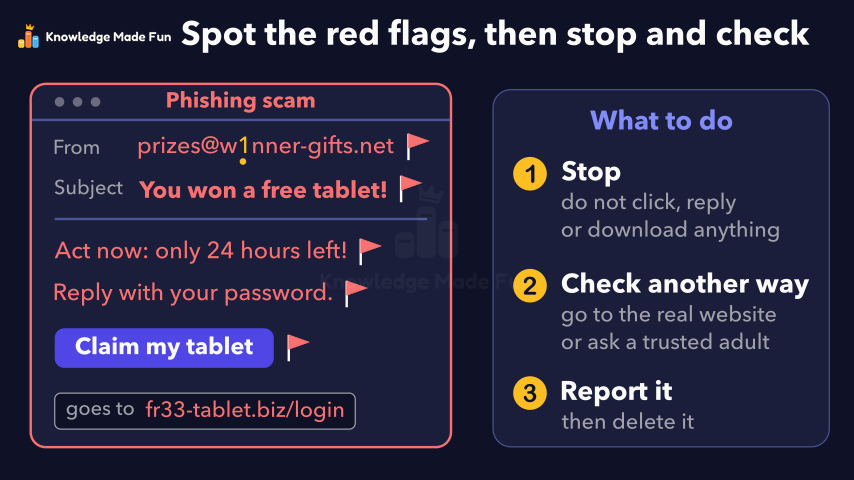
A fake "you won a free tablet" message is checked for five common red flags, each marked on it in turn: a strange sender address with a number one in place of an i, a prize that is too good to be true, a rush, a request for your password and a link to a strange website. With every flag found, the message is shown to be a phishing scam, and a panel gives three steps (stop, check another way, report it) before the recap: spot the red flags, then stop and check before you click.
Anyone can watch two lessons on the website without an account. Signing in is free, no payment and no card, and opens three a day; Plus has no limit.
Loading
In one sentence
The question this lesson answers
You get a message saying you won a free tablet. Is it real?
It could be phishing: a fake message that tries to steal your passwords, money or private details.
Transcript
What the lesson says
You get a message saying you won a free tablet. Is it real?
It could be phishing: a fake message that tries to steal your passwords, money or private details.
To spot it, look for warning signs called red flags.
Check who sent it: this strange address has a number one where the letter i should be.
A free tablet for doing nothing is too good to be true.
It rushes you, with words like act now and only 24 hours left.
It asks for your password, and that is a big red flag.
Before you click, check where a link goes: this one leads to a strange website.
With five red flags, this message is a phishing scam.
If you spot red flags, stop: do not click, reply or download anything.
Check another way: go to the real website, or ask a trusted adult.
Report the message, then delete it.
Spot the red flags, then stop and check before you click.
Curriculum
Where this fits
- British Columbia, Grade 6
Applied Design, Skills and Technologies, Digital literacy: Internet safetyBC6-AD-12
Previous: Strong Passwords and PassphrasesNext: Your Digital Footprint: What You Post Can Last
- British Columbia, Grade 7
Applied Design, Skills and Technologies, Digital literacy: Internet safetyBC7-AD-11
Previous: Strong Passwords and PassphrasesNext: Your Digital Footprint: What You Post Can Last
This lesson is also listed in Grade 7.
The outcomes and strands follow the British Columbia curriculum.
Keep going
 1 min 11 s
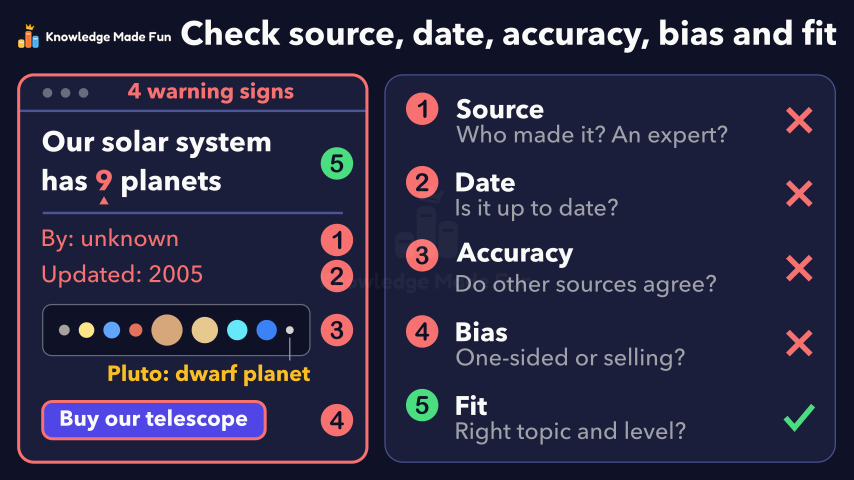
Can You Trust This Website? Five Checks
Grade 6 · 1 min 11 s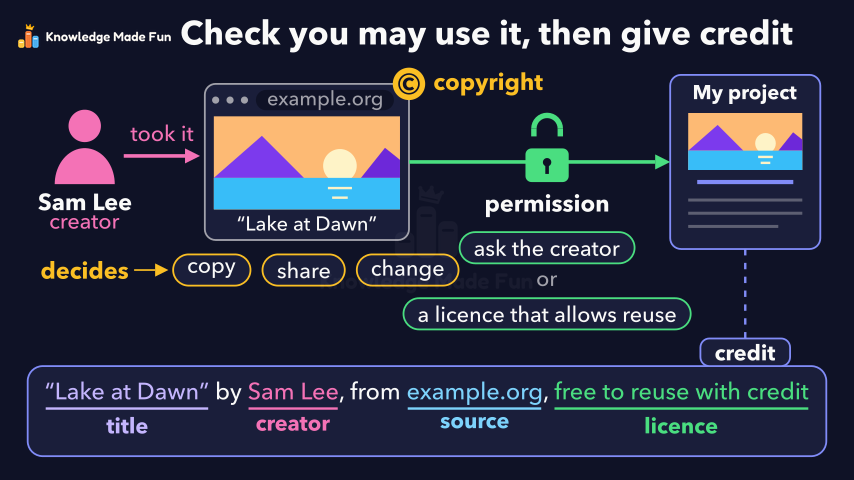 1 min 3 s
Copyright and Giving Credit
Grade 6 · 1 min 3 s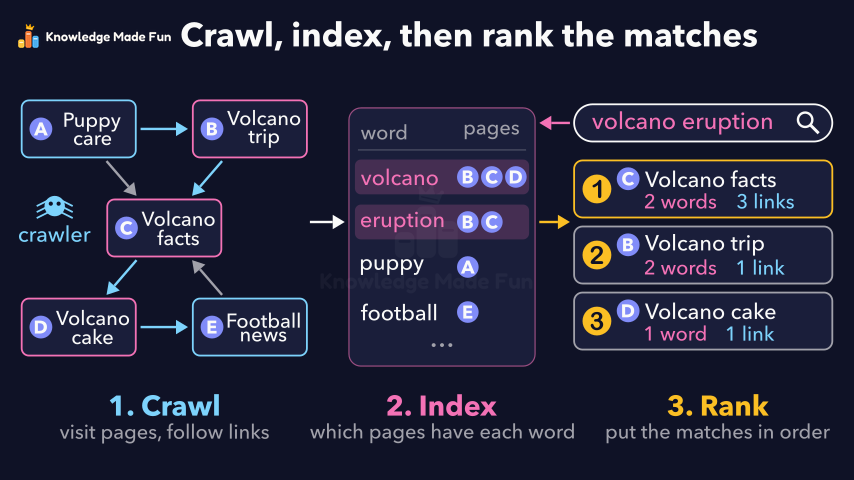 1 min 14 s
How a Search Engine Finds and Ranks Results
Grade 6 · 1 min 14 s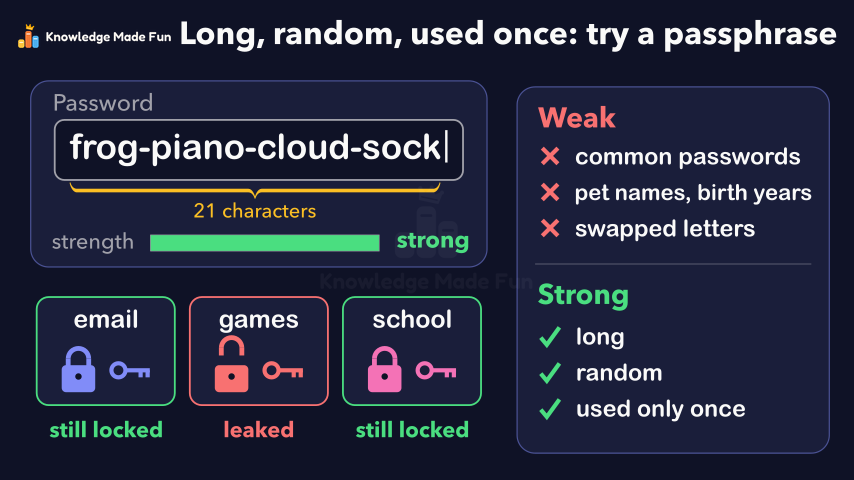 1 min 14 s
Strong Passwords and Passphrases
Grade 6 · 1 min 14 s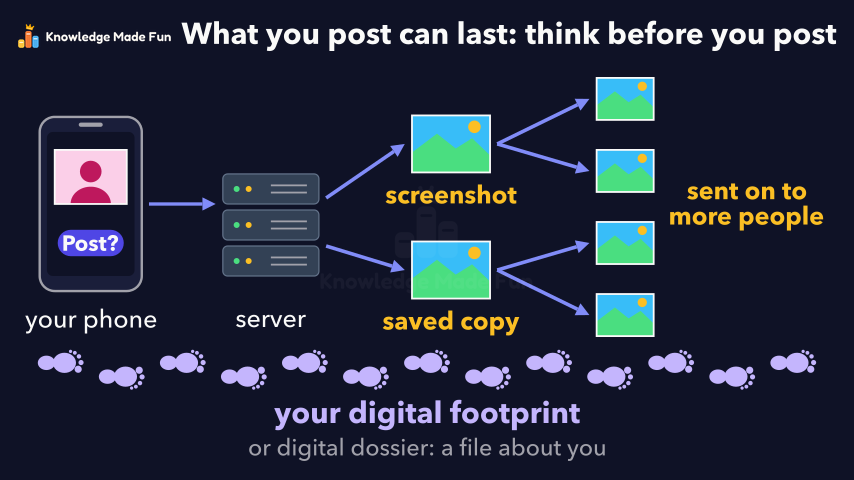 1 min 2 s
Your Digital Footprint: What You Post Can Last
Grade 6 · 1 min 2 s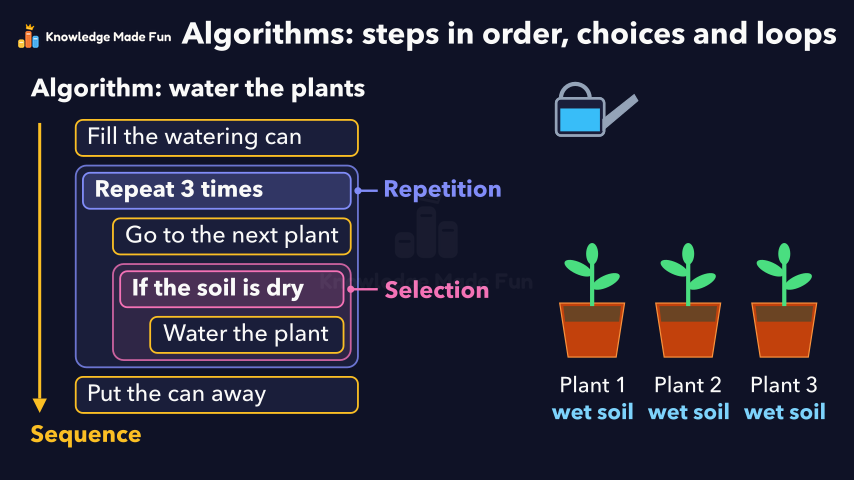 1 min 19 s
Algorithms: Steps in Order, Choices and Loops
Grade 6 · 1 min 19 s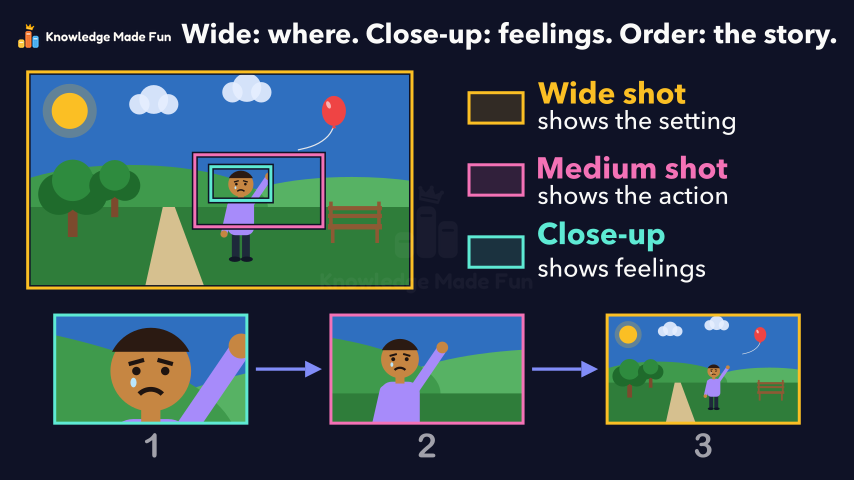 1 min 7 s
Camera Shots: How Close-Ups and Wide Shots Tell a Story
Grade 6 · 1 min 7 s 1 min 10 s
Energy Is Never Used Up
Grade 6 · 1 min 10 s
- All Grade 6 Applied Design, Skills and Technologies lessons
- Create a free account to watch three lessons a day, no payment and no card.