Lesson · Grade 6 · Applied Design, Skills and Technologies
Secret codes: the Caesar shift cipher
- Grade 6
- Applied Design, Skills and Technologies
- 1 min 29 s
- British Columbia
- BC6-AD-02
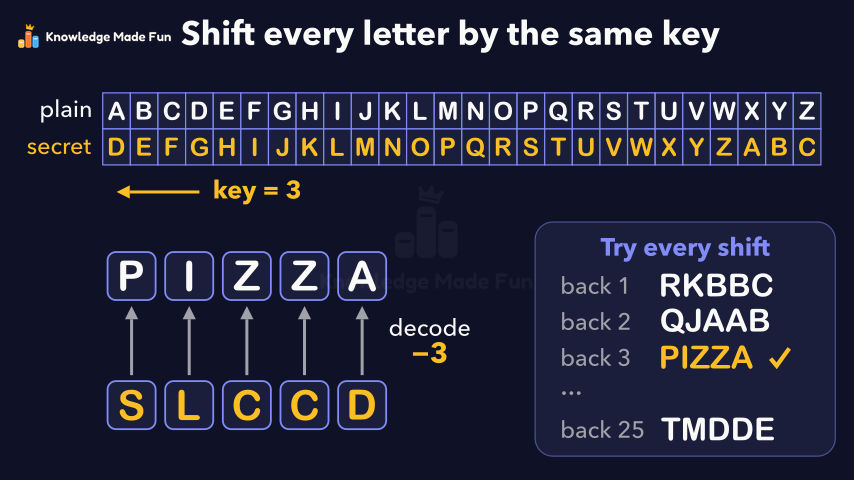
An alphabet strip, with a second alphabet shifted 3 places under it, shows how the Caesar cipher turns PIZZA into SLCCD, one letter at a time, and how the letters wrap around from Z back to A. Shifting back 3 decodes the message, and a code breaker who tries every shift finds the word quickly, because there are only 25 shifts to try.
Anyone can watch two lessons on the website without an account. Signing in is free, no payment and no card, and opens three a day; Plus has no limit.
Loading
In one sentence
The question this lesson answers
How do you send a secret message that only your friend can read?
One very old way is the Caesar shift cipher, named after Julius Caesar.
Transcript
What the lesson says
How do you send a secret message that only your friend can read?
One very old way is the Caesar shift cipher, named after Julius Caesar.
First, write the alphabet in a row.
Under it, write the alphabet again, shifted 3 places, so A sits above D.
Letters that slide off the front wrap around, so X, Y and Z sit above A, B and C.
The number 3 is the secret key, and only you and your friend know it.
To encode PIZZA, find each letter on top, read the letter below it, and repeat for every letter.
P becomes S, I becomes L, each Z becomes C, and A becomes D.
So PIZZA becomes S, L, C, C, D.
Exact steps like these, followed in order, are called an algorithm.
Your friend decodes it by shifting each letter back 3 places.
A code breaker without the key can just try every shift.
With 26 letters, there are only 25 shifts to try, so it is easy to break.
A Caesar cipher hides a message by shifting every letter by the same key.
Curriculum
Where this fits
- British Columbia, Grade 6
Applied Design, Skills and Technologies, Computational thinking: simple algorithms that reflect computational thinkingBC6-AD-02
Previous: Algorithms: Steps in Order, Choices and LoopsNext: Sorting and Searching: Selection Sort and Binary Search
- British Columbia, Grade 7
Applied Design, Skills and Technologies, Computational thinking: simple algorithms that reflect computational thinkingBC7-AD-02
Previous: Algorithms: Steps in Order, Choices and LoopsNext: Flow Charts: Drawing the Steps of a Plan
This lesson is also listed in Grade 7.
The outcomes and strands follow the British Columbia curriculum.
Keep going
 1 min 19 s
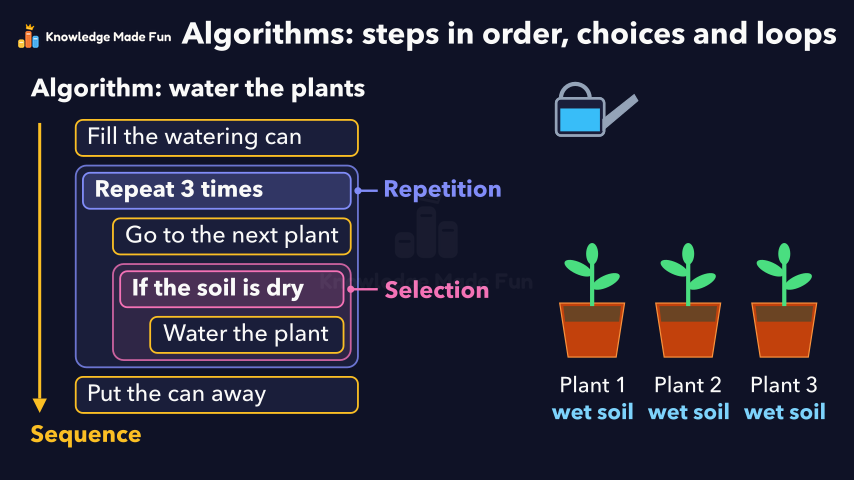
Algorithms: Steps in Order, Choices and Loops
Grade 6 · 1 min 19 s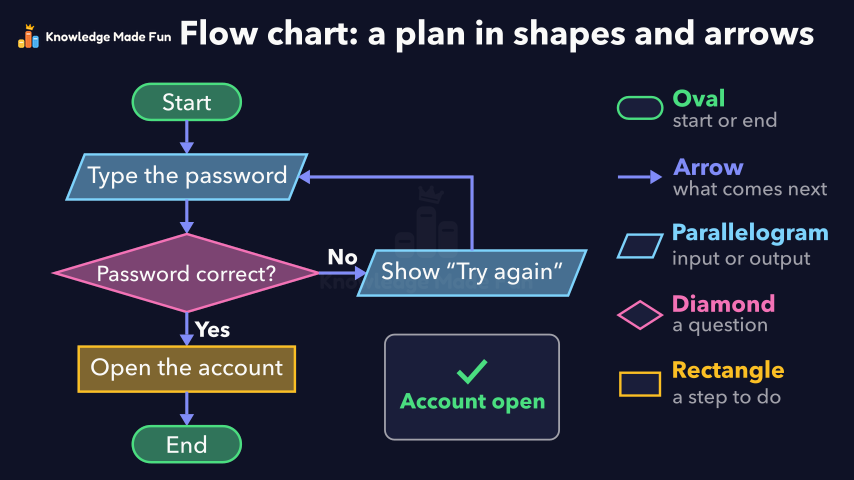 1 min 9 s
Flow Charts: Drawing the Steps of a Plan
Grade 6 · 1 min 9 s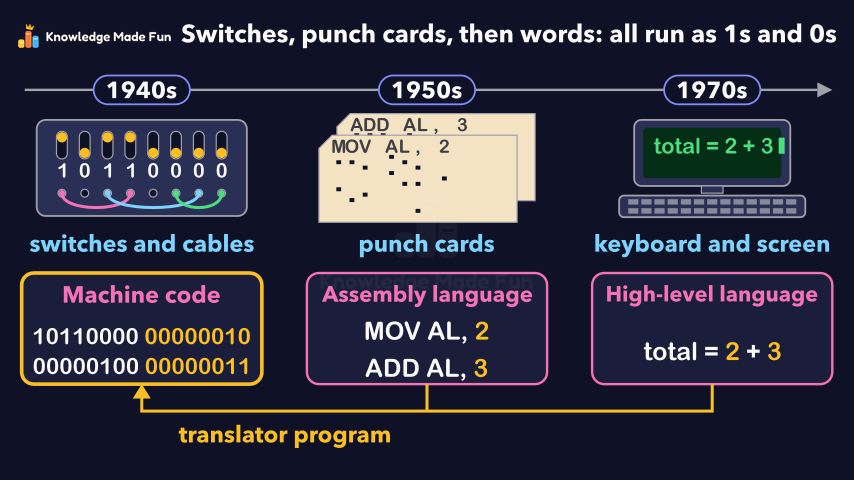 1 min 15 s
From Punch Cards to Code
Grade 6 · 1 min 15 s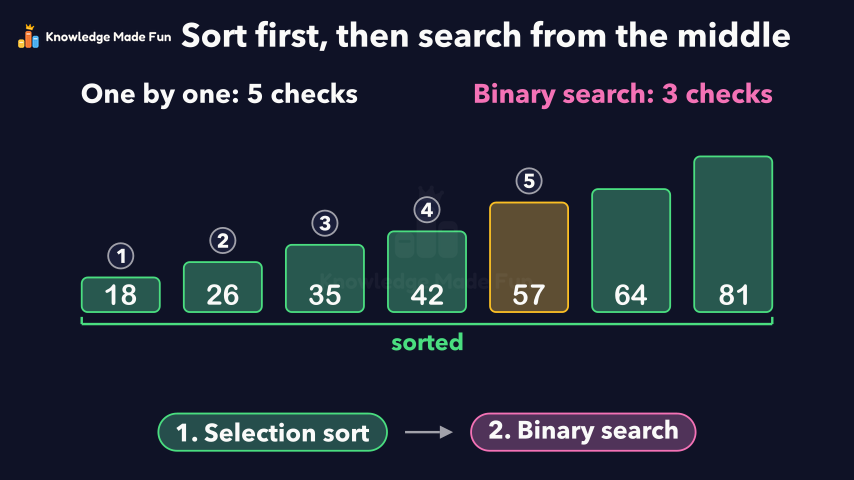 1 min 24 s
Sorting and Searching: Selection Sort and Binary Search
Grade 6 · 1 min 24 s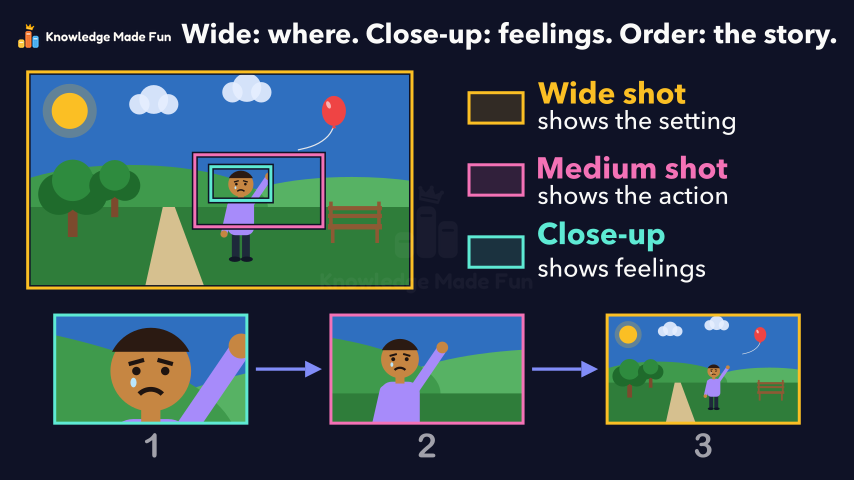 1 min 7 s
Camera Shots: How Close-Ups and Wide Shots Tell a Story
Grade 6 · 1 min 7 s 1 min 11 s
Can You Trust This Website? Five Checks
Grade 6 · 1 min 11 s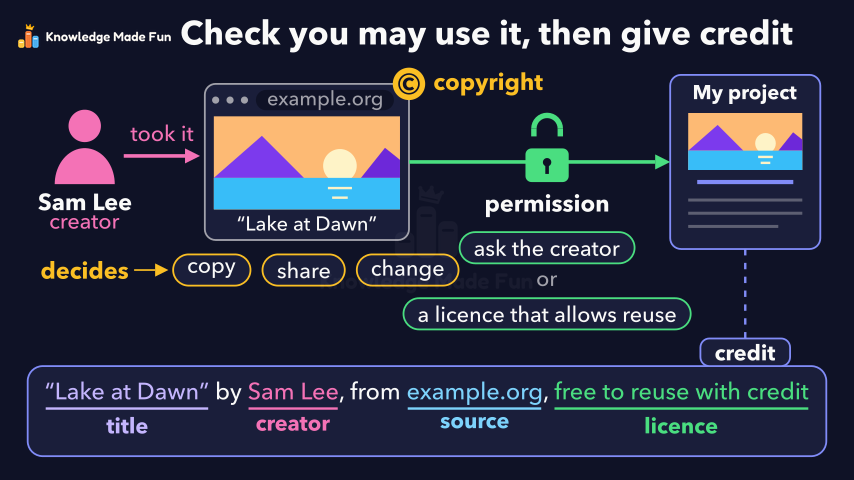 1 min 3 s
Copyright and Giving Credit
Grade 6 · 1 min 3 s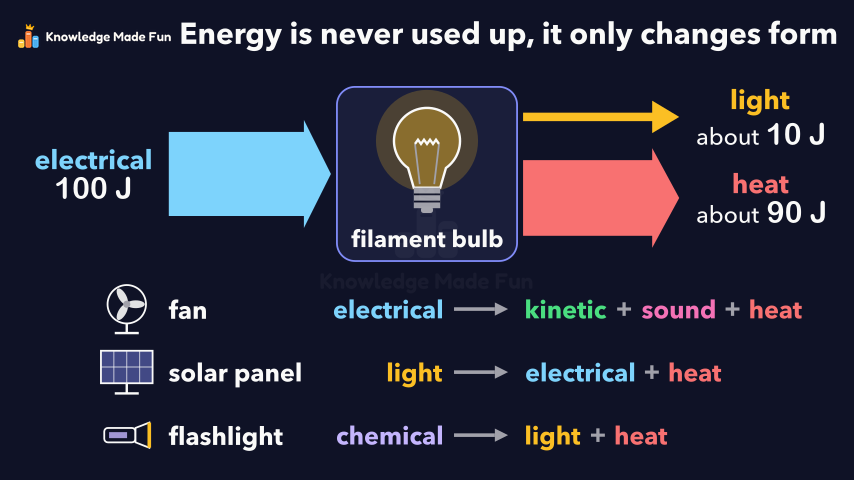 1 min 10 s
Energy Is Never Used Up
Grade 6 · 1 min 10 s
- All Grade 6 Applied Design, Skills and Technologies lessons
- Create a free account to watch three lessons a day, no payment and no card.