Lesson · Grade 6 · Applied Design, Skills and Technologies
From Punch Cards to Code
- Grade 6
- Applied Design, Skills and Technologies
- 1 min 15 s
- British Columbia
- BC6-AD-05
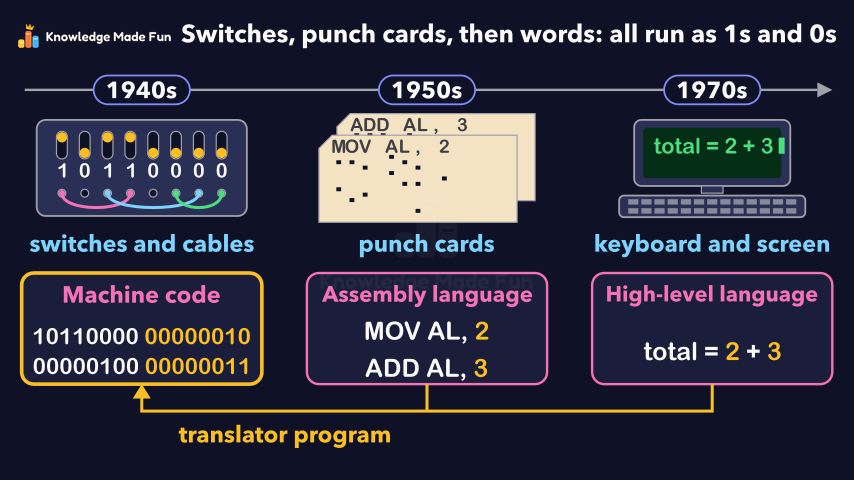
Programming moved from flipping switches and plugging in cables, to punching assembly code onto paper cards, to typing high-level code on a keyboard and screen, with the same "add 2 and 3" program shown in all three languages. Because the processor can only run machine code, a translator program turns the newer code back into ones and zeros.
Concept: From punch cards to code: how programming changed
Anyone can watch two lessons on the website without an account. Signing in is free, no payment and no card, and opens three a day; Plus has no limit.
Loading
In one sentence
The question this lesson answers
How has programming changed since the first computers?
In the 1940s, many early computers were programmed by flipping switches and plugging in cables.
Transcript
What the lesson says
How has programming changed since the first computers?
In the 1940s, many early computers were programmed by flipping switches and plugging in cables.
Computers run machine code: instructions made of ones and zeros.
Long rows of ones and zeros are hard to read and easy to get wrong.
From the 1950s, programs were punched as holes in paper cards, usually one line on each card.
Assembly language uses short codes, like MOV and ADD, instead of ones and zeros.
By the 1970s, many programmers typed code on a keyboard and saw it on a screen.
High-level languages use words and math symbols, so they are easier for people to read.
All three examples do the same job: they add 2 and 3.
But the processor can only run machine code.
So a translator program turns the other code into ones and zeros.
Programming went from switches to punch cards to words, but computers still run it all as ones and zeros.
Curriculum
Where this fits
- British Columbia, Grade 6
Applied Design, Skills and Technologies, Computational thinking: evolution of programming languagesBC6-AD-05
The outcomes and strands follow the British Columbia curriculum.
Keep going
 1 min 19 s
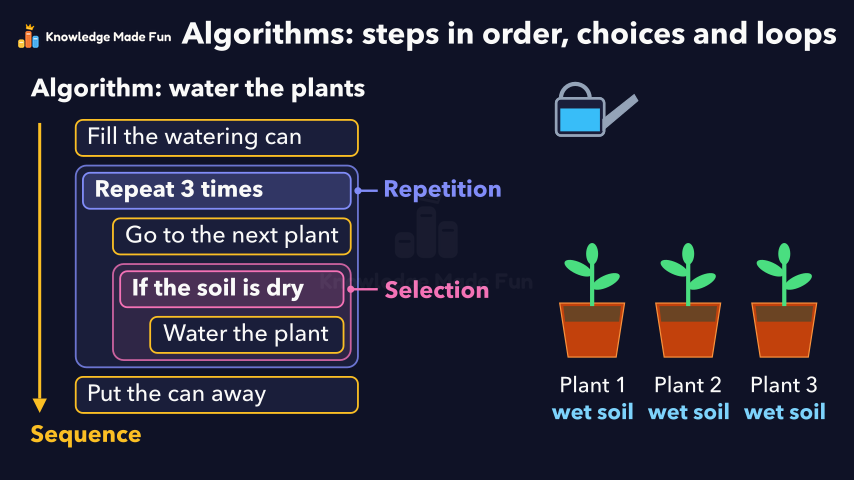
Algorithms: Steps in Order, Choices and Loops
Grade 6 · 1 min 19 s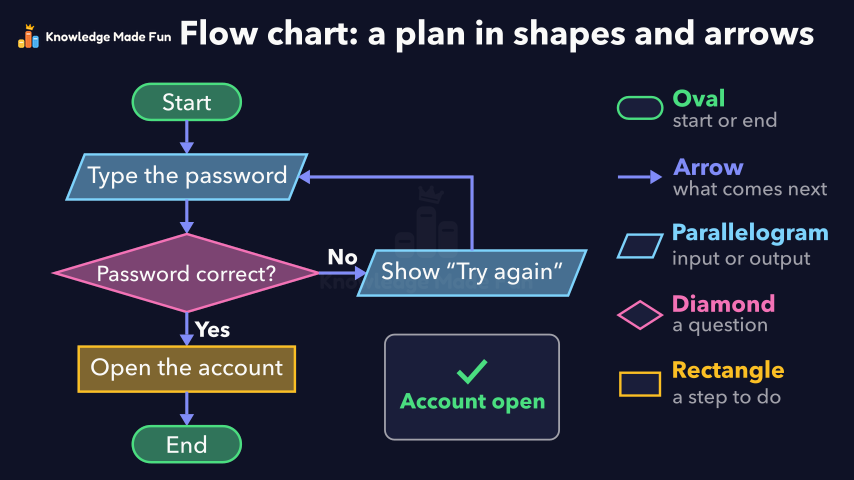 1 min 9 s
Flow Charts: Drawing the Steps of a Plan
Grade 6 · 1 min 9 s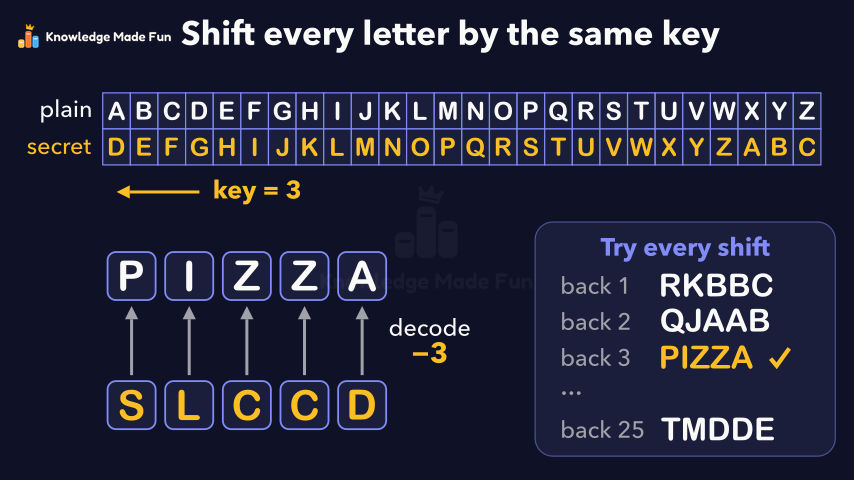 1 min 29 s
Secret codes: the Caesar shift cipher
Grade 6 · 1 min 29 s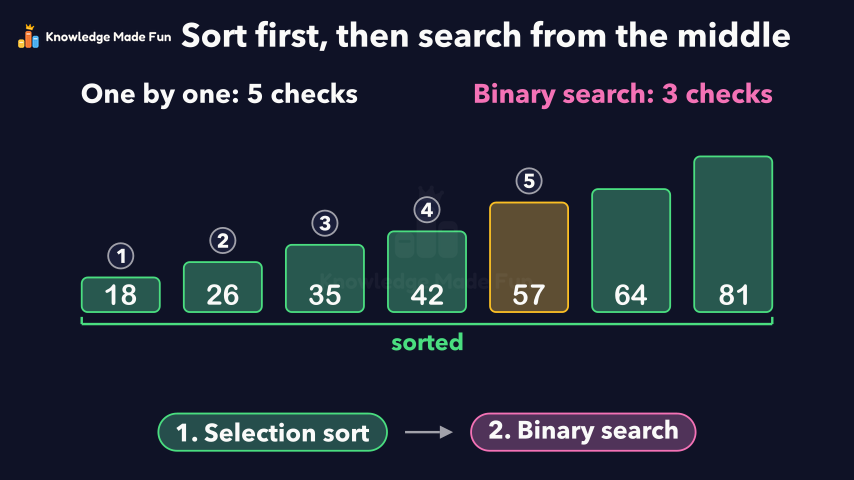 1 min 24 s
Sorting and Searching: Selection Sort and Binary Search
Grade 6 · 1 min 24 s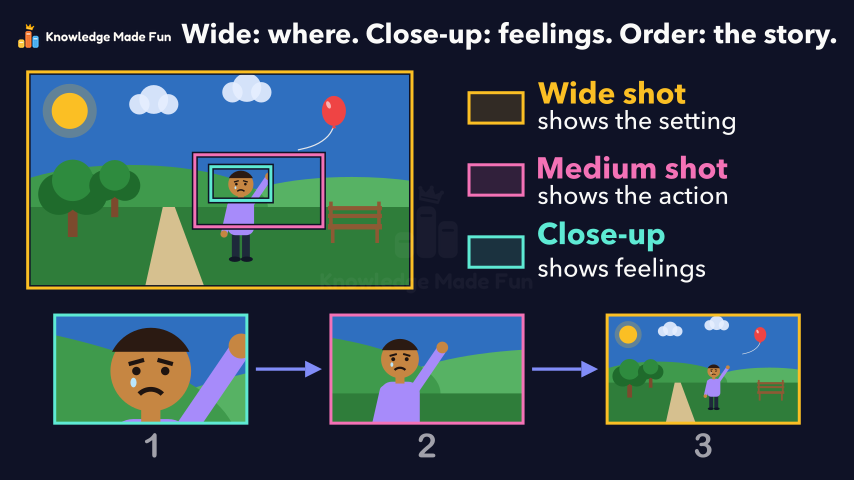 1 min 7 s
Camera Shots: How Close-Ups and Wide Shots Tell a Story
Grade 6 · 1 min 7 s 1 min 11 s
Can You Trust This Website? Five Checks
Grade 6 · 1 min 11 s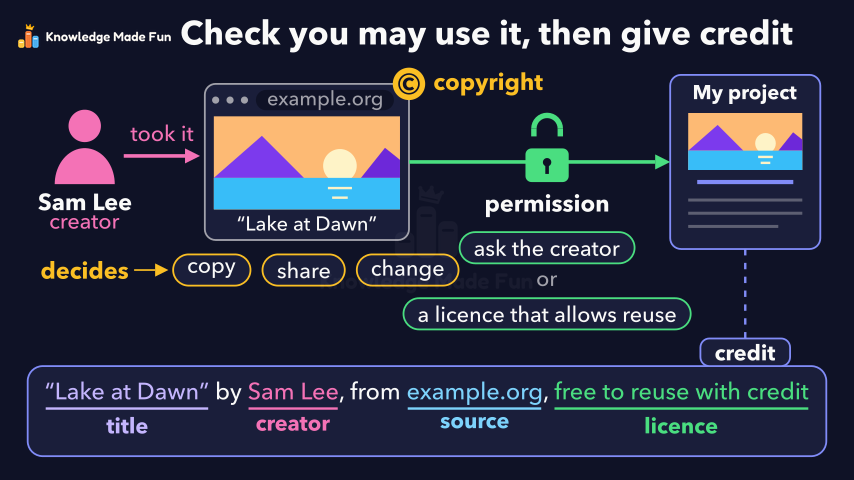 1 min 3 s
Copyright and Giving Credit
Grade 6 · 1 min 3 s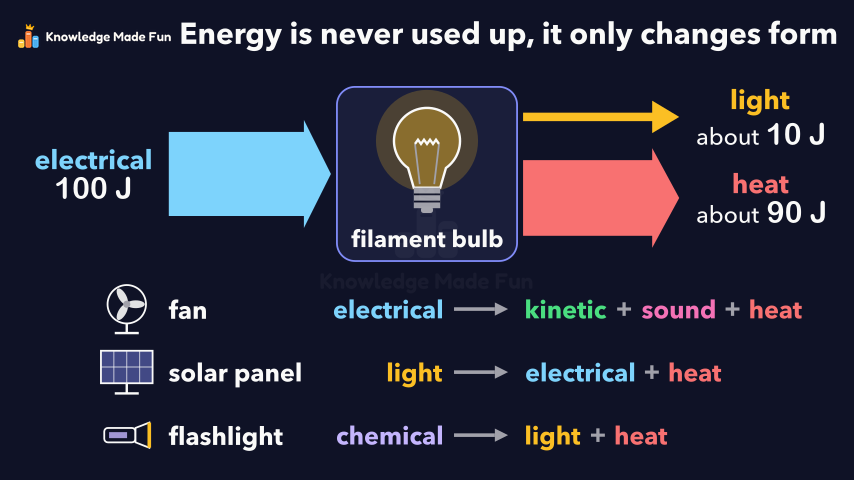 1 min 10 s
Energy Is Never Used Up
Grade 6 · 1 min 10 s
- All Grade 6 Applied Design, Skills and Technologies lessons
- Create a free account to watch three lessons a day, no payment and no card.