Lesson · Grade 6 · Applied Design, Skills and Technologies
Hardware and Software: The Parts of a Computer System
- Grade 6
- Applied Design, Skills and Technologies
- 1 min 18 s
- British Columbia
- BC6-AD-06
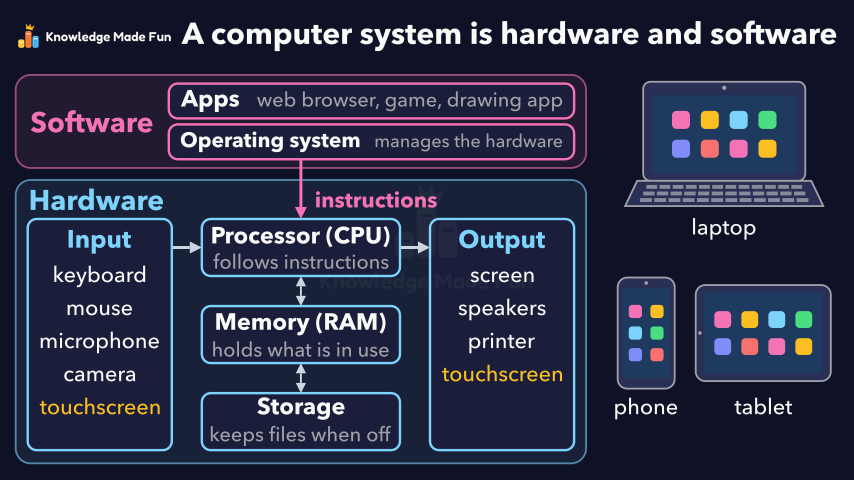
A labelled diagram builds up in two layers: hardware, the parts you can touch (input devices, processor, memory, storage and output devices), and above it software (the operating system and apps), which sends instructions to the processor. A phone and a tablet then join a laptop to show they are computers with the same parts, with a touchscreen as both input and output, and the video ends on the recap that a computer system is hardware and software working together.
Anyone can watch two lessons on the website without an account. Signing in is free, no payment and no card, and opens three a day; Plus has no limit.
Loading
In one sentence
The question this lesson answers
What are the parts of a computer system?
A computer system has two main parts: hardware and software.
Transcript
What the lesson says
What are the parts of a computer system?
A computer system has two main parts: hardware and software.
Hardware is the parts of a computer that you can touch.
Input devices, like a keyboard, a mouse, a microphone and a camera, send data in.
The processor, or CPU, follows instructions to work on the data.
Memory, or RAM, holds the programs and data in use right now.
Storage keeps files and programs, even when the power is off.
Output devices, like a screen, speakers and a printer, give out the results.
Software is the programs: instructions that tell the hardware what to do.
The operating system manages the hardware and runs the apps.
Apps, like a web browser, a game or a drawing app, do tasks for you.
Phones and tablets are computers too, with the same kinds of parts.
A touchscreen is both an input device and an output device.
Hardware and software need each other to work.
A computer system is hardware and software, working together.
Curriculum
Where this fits
- British Columbia, Grade 6
Applied Design, Skills and Technologies, Computers and communications devices: computer system architecture, including hardware and software, network infrastructure (local), intranet/Internet, and personal communication devicesBC6-AD-06
Next: How Devices Connect: Home Networks, Intranets and the Internet
- British Columbia, Grade 7
Applied Design, Skills and Technologies, Computers and communications devices: computer system architecture, including hardware and software, network infrastructure (local), intranet/Internet, and personal communication devicesBC7-AD-05
Next: How Devices Connect: Home Networks, Intranets and the Internet
This lesson is also listed in Grade 7.
The outcomes and strands follow the British Columbia curriculum.
Keep going
 1 min 10 s
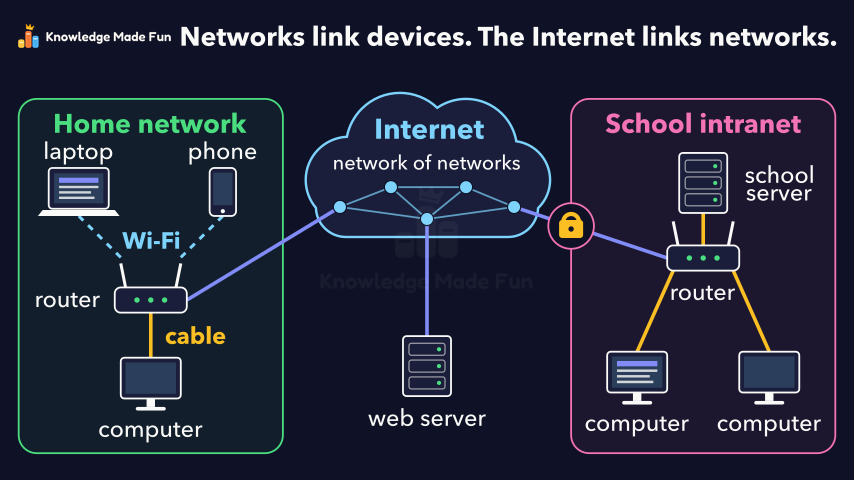
How Devices Connect: Home Networks, Intranets and the Internet
Grade 6 · 1 min 10 s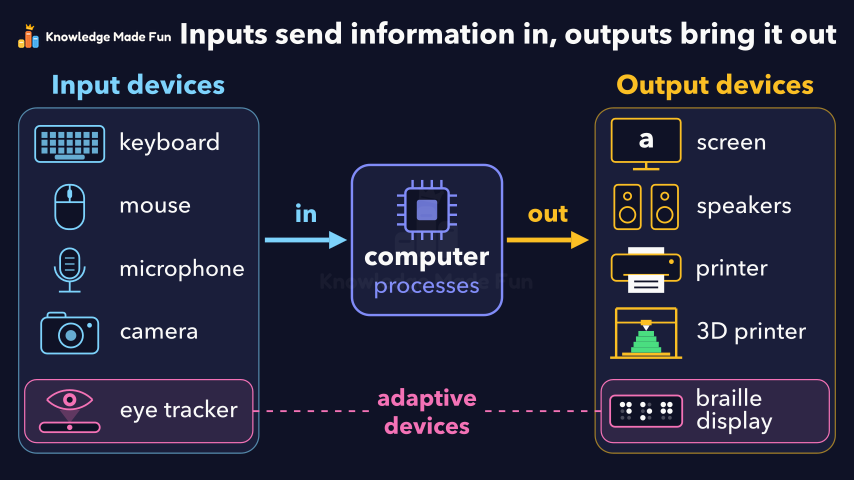 1 min 13 s
Input and Output Devices: How Information Gets In and Out
Grade 6 · 1 min 13 s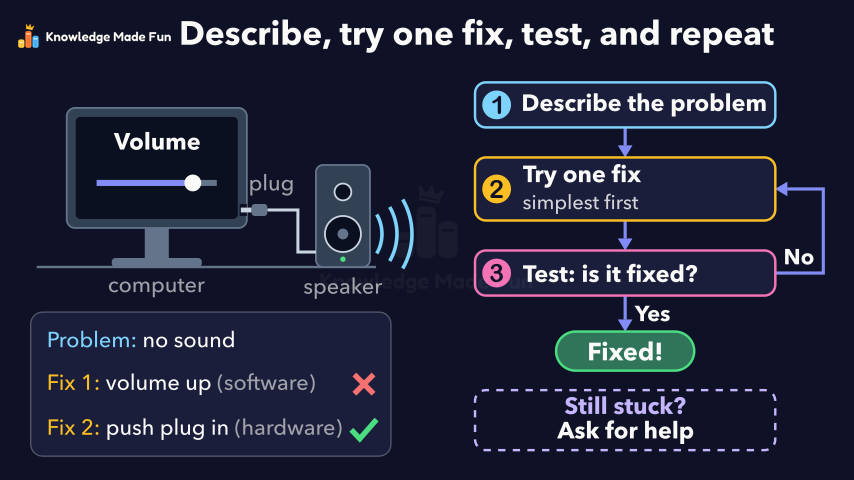 1 min 9 s
Troubleshooting: Fix It Step by Step
Grade 6 · 1 min 9 s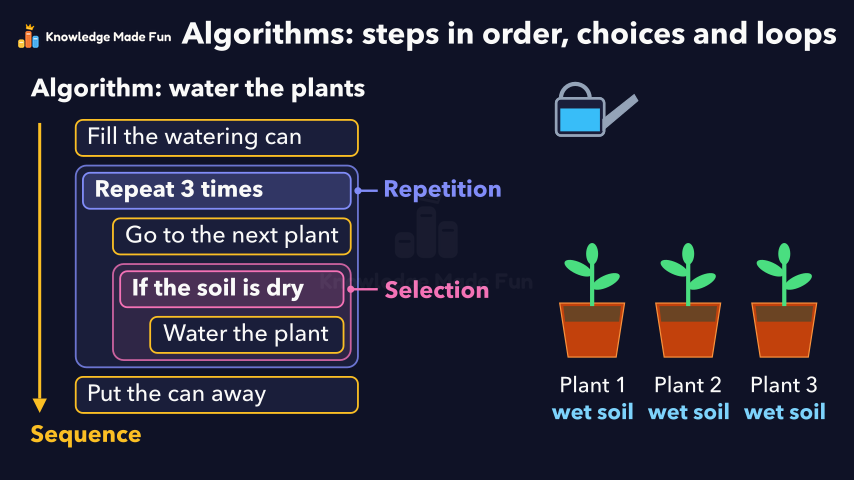 1 min 19 s
Algorithms: Steps in Order, Choices and Loops
Grade 6 · 1 min 19 s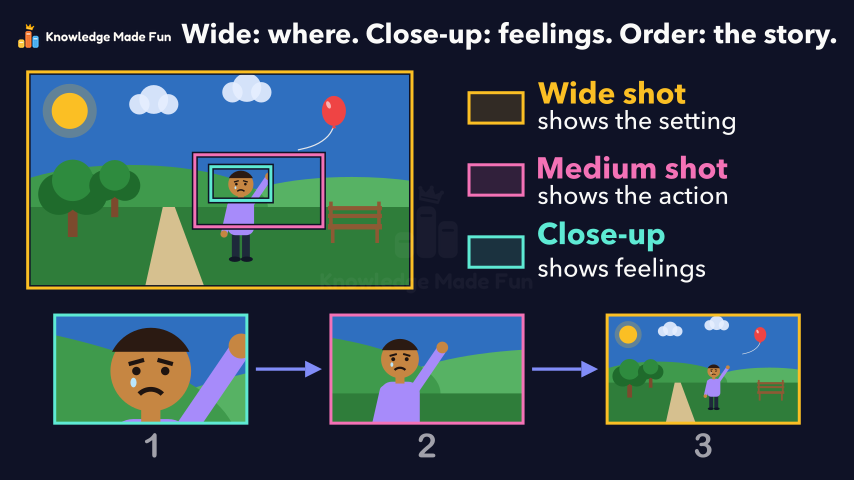 1 min 7 s
Camera Shots: How Close-Ups and Wide Shots Tell a Story
Grade 6 · 1 min 7 s 1 min 11 s
Can You Trust This Website? Five Checks
Grade 6 · 1 min 11 s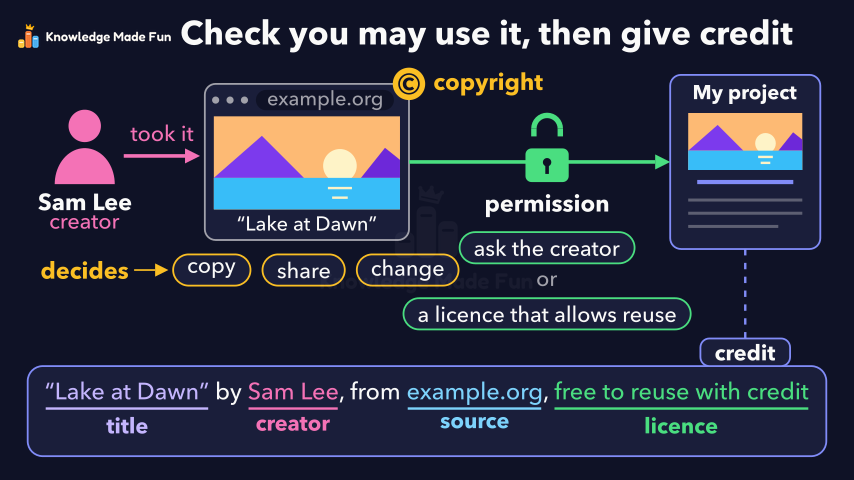 1 min 3 s
Copyright and Giving Credit
Grade 6 · 1 min 3 s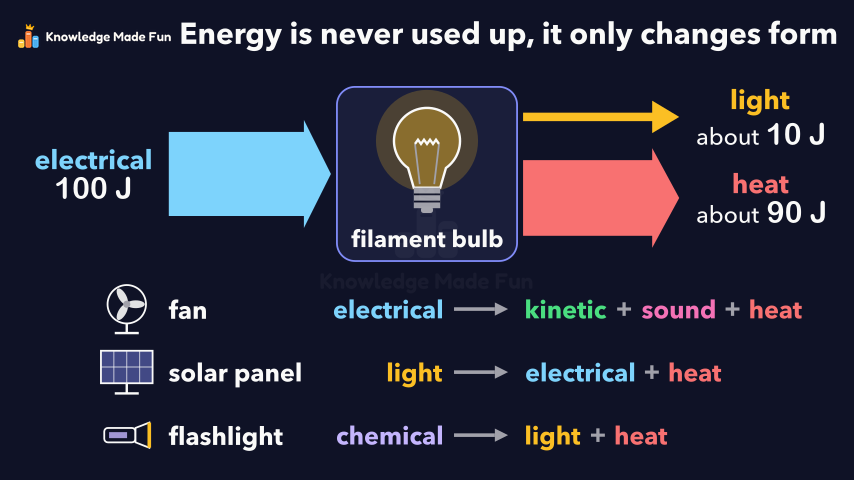 1 min 10 s
Energy Is Never Used Up
Grade 6 · 1 min 10 s
- All Grade 6 Applied Design, Skills and Technologies lessons
- Create a free account to watch three lessons a day, no payment and no card.